The short answer
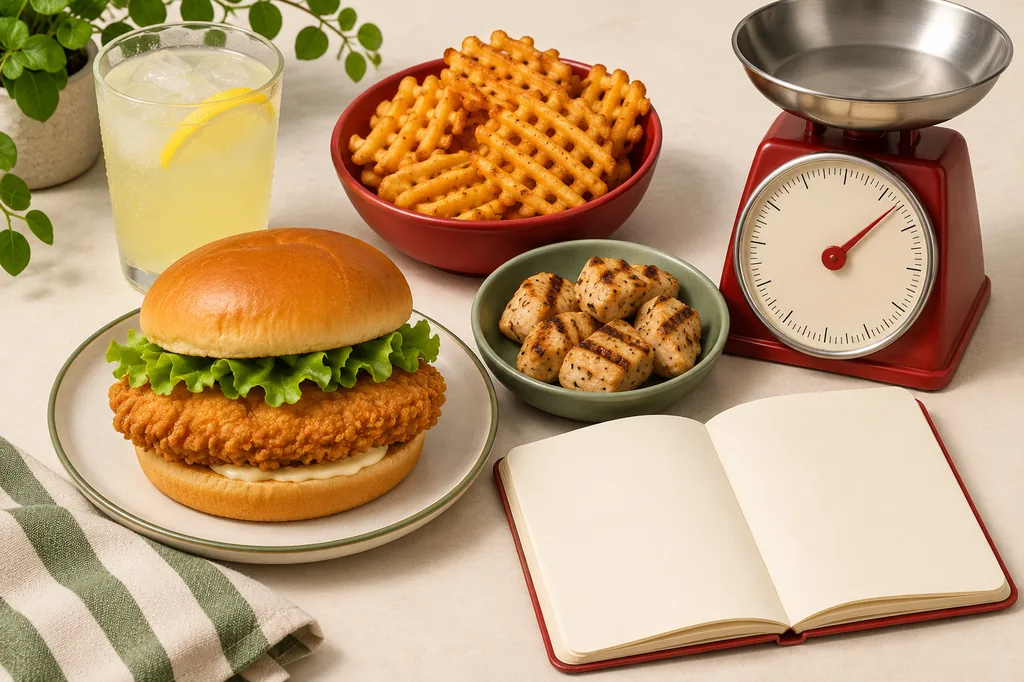
To use a chick fil a calorie calculator, list every part of the order instead of stopping at the main sandwich. Add the entree, the exact nugget or strip count, the side and size, the drink, each sauce packet, and any cheese, bacon, dressing, or bun change. The result is a meal estimate, not a universal value for every store or customization.
For a quick example, the official Chick-fil-A menu lists the standard Chicken Sandwich at 420 calories and 29 grams of protein. An 8-count serving of Chick-fil-A Nuggets is listed at 250 calories and 27 grams of protein. Add a medium fries, lemonade, or sauce only after checking those components. A sandwich that looks like a 420-calorie choice can become a 1,000-calorie meal once sides, a sweet drink, and dipping sauces are included.
This page is a guide to the Chick-fil-A US menu and the reasoning behind an estimate. It does not replace the restaurant's current nutrition and allergens pages. When your order is unusual, use the official item page or photograph the tray and use the site's general food photo workflow for a second estimate.
What a Chick-fil-A calorie estimate includes
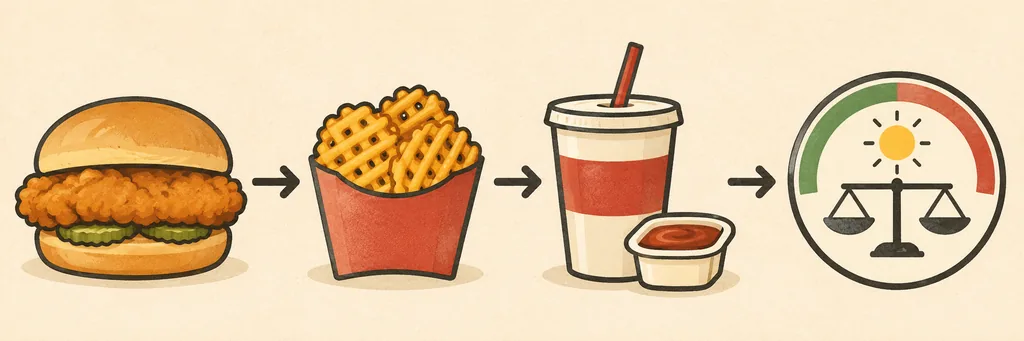
A menu total is a small accounting exercise. The first line is the entree: a chicken sandwich, grilled sandwich, nuggets, strips, breakfast item, salad, wrap, or kids' meal. The second line is the side, which may be waffle potato fries, a fruit cup, a side salad, mac and cheese, or another available option. Drinks are a separate line because lemonade, sweet tea, shakes, and specialty coffee can change the total quickly.
The third line is the customization layer. Sauces and dressings are not visual details; they have their own calories. A cheese slice, bacon, buttered bun, extra filet, or different dressing can change both calories and allergens. If you order a meal, do not assume the meal label already includes every sauce or the drink you selected. Read the serving definition for each component.
The final layer is interpretation. Calories help describe energy, while protein, carbohydrate, fat, sodium, and sugar explain why two meals with similar calories can feel different. The Chick-fil-A nutrition pages use standard product formulations and warn that preparation and customization can vary. Use the total as a transparent planning number with a range, not as a laboratory measurement.
- Entree: sandwich, nuggets, strips, salad, wrap, breakfast item, or kids' meal.
- Side: size matters; a medium fries is not the same serving as a fruit cup.
- Drink: include the size and whether it is sweetened, diet, milk-based, or unsweetened.
- Sauce and dressing: count each packet or cup, even when it looks small.
- Customizations: bun, cheese, bacon, toppings, extra protein, and substitutions.
- Context: compare the total with your own daily target rather than a generic 2,000-calorie label.
A practical Chick-fil-A calorie calculator formula
The simplest reliable formula is addition. It works because published menu values are normally provided per item or per standard serving. Write down the serving count first, then multiply an item value by the number ordered. Keep sauces and drinks on their own rows so they cannot disappear inside a meal label.
If the menu gives a range, keep the range. If a portion is shared, record the fraction you actually ate. For example, eating half of a large side is different from ordering a small side, because the recipe and serving size may differ. If a substitution is not listed, mark it as uncertain rather than borrowing the value of a similar item.
A useful worksheet can be done in a note app or in the site's food calorie calculator. The purpose is not to create false precision; it is to make every assumption visible so you can correct the total when you find the official value.
meal calories = entree + side + drink + sauces + extrasitem contribution = calories per serving x servings eatenestimated range = low plausible total to high plausible total when portions or customizations are unclear| Line | What to record | Example |
|---|---|---|
| Entree | Item and standard serving | Chicken Sandwich = 420 cal |
| Side | Side plus size | Medium waffle fries = check current menu value |
| Drink | Drink, size, and sweetener | Medium lemonade = check current menu value |
| Sauce | Every packet or cup | Chick-fil-A Sauce = add the listed packet value |
| Extras | Cheese, bacon, bun, dressing, or extra protein | Add only when ordered and eaten |
Use values from the current Chick-fil-A nutrition and allergens pages. The examples in this guide are for reasoning and comparison; menu availability and formulations can change.
Common Chick-fil-A menu calories
The following examples show why a menu calorie calculator should display components separately. The first two numbers are directly confirmed on current official item pages read on November 16, 2026. Other rows are common guide values used for an example meal and should be rechecked on the official menu before you rely on them for a strict target.
The standard Chicken Sandwich is a useful anchor because it has a clear serving: 420 calories and 29 grams of protein. The 8-count Nuggets are listed at 250 calories and 27 grams of protein. Grilled options can have a different balance of calories, protein, sodium, and carbohydrates; do not assume that grilled automatically means low sodium or that fried automatically means a poor fit.
Treat the table as a lookup starting point. Your own total is the sum of what you ordered and ate, including any drink refill, extra sauce, shared side, or dessert that is easy to forget.
| Menu component | Standard serving | Example calories | How to use it |
|---|---|---|---|
| Chick-fil-A Chicken Sandwich | 1 sandwich | 420 | Official item page; 29g protein |
| Chick-fil-A Nuggets | 8 count | 250 | Official item page; 27g protein |
| Grilled Chicken Sandwich | 1 sandwich | 390 | Verify the current item page and customization |
| Waffle Potato Fries | size matters | Use current menu value | Do not transfer a small value to a medium serving |
| Lemonade or sweet drink | size matters | Use current menu value | Sweetened drinks can be a large part of a meal total |
| Sauce or dressing | each packet/cup | Use current menu value | Count every packet separately |
- Write the entree and its serving count.
- Add the side and size, or record the fraction of a shared side you actually ate.
- Add the drink with its size and sweetener; water and unsweetened tea are different from lemonade or a shake.
- Add each sauce, dressing, cheese, bacon, bun change, or extra filet as its own line.
- Compare the total with your daily target and keep a note of anything uncertain so you can update it later.
This process takes less time than trying to remember a whole meal number. It also makes a later correction simple: change one line instead of rebuilding the entire estimate.
Meal examples and lower-calorie swaps
A useful Chick-fil-A calorie calculator is not a list of foods labeled good or bad. It helps you choose a combination that fits the reason you are eating out. Someone who needs a substantial post-workout meal may value protein and carbohydrates; someone saving calories for dinner may prefer a smaller side and a noncaloric drink. The same menu can support different plans.
Start with the entree, then decide which part of the meal matters most to you. If the sandwich is the priority, use a smaller side or fruit. If fries are the priority, choose water or unsweet tea and skip an extra sauce. If you want a lighter order, a grilled item and a fruit cup may reduce the total, but verify the current nutrition page because recipes and availability can change.
The examples below are patterns, not prescriptions. They show where the calories move and how to keep the choice flexible without pretending that one order is universally healthiest.
| Order pattern | What changes the total | Best use |
|---|---|---|
| Sandwich + fries + sweet drink | Entree, fried side, and drink all contribute | A full meal when the total is planned in advance |
| Sandwich + fruit cup + water | Keeps the entree while reducing side and drink additions | A lighter lunch or a day with more calories later |
| 8-count nuggets + side + sauce | Count the nugget serving, side size, and each sauce | A modular order that is easy to adjust |
| Grilled entree + unsweetened drink | Changes the entree and drink without requiring a tiny portion | People who want a higher-protein, less sweet combination |
| Shared side or treat | Record the fraction actually eaten | Families or groups who split an order |
How to make the estimate match your real order
Accuracy starts with the serving definition. A menu entry may describe one sandwich, one nugget count, one dressing packet, or one cup. It does not automatically describe the whole meal. Save a screenshot of your receipt or order summary, then check each line against the official nutrition page. This is especially useful when the app displays a meal bundle rather than individual components.
Next, separate known facts from assumptions. Known facts include the official Chicken Sandwich and Nuggets values cited above. Assumptions include an unmeasured pour of sauce, an unfinished side, a refill, or a regional substitution. Write an assumption next to the number and use a range when it could materially change your daily total.
Finally, keep the date. Restaurants revise recipes, sizes, ingredient statements, and menu availability. A saved estimate without a date can look authoritative long after the source changed. Link back to the official page and revisit the value when you order a seasonal item or use a different restaurant location.
- Use the exact count: 5, 8, 12, or 30 nuggets are different servings.
- Record drink size and sweetener; do not treat all beverages as zero-calorie.
- Count sauces and dressings separately; a dip can be easy to overlook.
- Keep substitutions visible: bun, cheese, bacon, extra filet, and dressing changes matter.
- Use a range for shared, partially eaten, or unlisted portions.
- Save the source date and prefer the current official menu over an old screenshot.
Use the total with a daily calorie target
A restaurant total becomes useful when you put it beside your own daily target. The target depends on age, body size, activity, goals, and health context. A generic 2,000-calorie label is a reference for nutrition labeling, not a prescription for every adult. Use the site's calorie intake calculator to estimate a personal maintenance or goal range, then decide how much of that range you want one meal to use.
You do not need to make every meal mathematically perfect. If an order is higher than expected, avoid turning one number into a punishment. Review the components, decide whether the estimate is plausible, and return to your normal plan at the next meal. A weekly pattern is more informative than one restaurant visit.
For people tracking macros, keep the same component method. Protein from the sandwich or nuggets may be useful, while sauces and sweet drinks can add fat or sugar without much satiety. Sodium is another reason to look beyond calories, especially when a meal includes breaded items, cheese, sauces, or several processed components.
- Compare the meal with your own range, not a universal pass/fail label.
- Leave room for the rest of the day instead of trying to erase a meal afterward.
- Use weekly patterns when your goal is weight change; one meal cannot prove a trend.
- Check protein, carbohydrates, fat, sodium, and sugar when those nutrients matter to you.
- Ask a clinician or registered dietitian for individual guidance during pregnancy, adolescence, eating-disorder recovery, or medical treatment.
Common tracking mistakes and practical limits
The most common mistake is stopping after the entree. The second is copying a meal total from a different size or restaurant location. A third is treating a sauce as decoration. These errors are not a reason to abandon tracking; they are a reason to show your assumptions and keep the worksheet modular.
Published nutrition numbers are not a guarantee of the exact calories on your tray. Standard formulations, preparation, ingredient variation, portion size, and customizations can move the result. The official pages themselves say that information may not reflect every customization. For allergies, do not use a calorie guide as an allergen decision tool; read the official allergen information and ask the restaurant.
This article also cannot tell you what you should eat. If calorie tracking increases anxiety, triggers restrictive behavior, or conflicts with medical advice, pause and seek qualified support. A useful calculator should make decisions clearer, not make eating feel unsafe.
- Counting only the sandwich or nuggets and forgetting the meal components.
- Using a small, medium, or large value interchangeably.
- Ignoring sauces, dressings, butter, cheese, bacon, or drink refills.
- Treating a dated third-party table as more current than the official menu.
- Using calorie estimates to make allergy or medical decisions.
- Assuming a single meal determines weight change or health.
Chick-fil-A calorie calculator FAQ
Continue planning the rest of your day
A brand-specific meal estimate is one part of a food log. Use the related tools below when you need a broader daily target, a measured food lookup, or a way to estimate a full homemade meal. Each page has a different job, so the links are not interchangeable.
If you have a photo instead of a reliable item list, the home page can provide a second estimate. Keep both the source and the uncertainty visible in your log.
Daily Calorie Intake Calculator
Estimate a maintenance, weight-loss, or weight-gain calorie range from adult measurements, activity, and goal context.
Open the calorie intake calculatorMeal Calorie Calculator Guide
Learn how to total a complete meal, split shared portions, and record uncertainty without hiding sauces or drinks.
Read the meal calorie guideFood Calorie Calculator
Look up measured foods by grams, ounces, or servings when your order includes something outside the restaurant menu.
Calculate food caloriesAI Calorie Calculator
Upload a meal photo when you cannot identify every ingredient or portion from the order screen.
Try the photo calorie workflowSources and method notes
The item examples in this guide were checked against Chick-fil-A's official menu pages on November 16, 2026. The official pages state that nutrition information uses standard product formulations and that variation can occur with ingredients and customizations. Third-party calculators were reviewed to understand common search intent and menu categories, not to replace the official source.
This page is independent. Chick-fil-A owns its trademarks and menu information. Always use the restaurant's current nutrition and allergen details for a final order decision, especially when an allergy, medical condition, or strict dietary target is involved.
- Chick-fil-A Chicken Sandwich nutrition page official calories, macros, ingredients, and allergen information for the standard sandwich.
- Chick-fil-A Nuggets nutrition page official serving values for the nuggets example and a reminder that customizations may vary.
- Chick-fil-A nutrition and allergens use the current official index for menu-wide nutrition and allergen checks.
Turn one restaurant order into a useful daily plan
Use the daily intake calculator for a personal target, or return to the AI calorie workflow when a photo is easier than a complete item list.