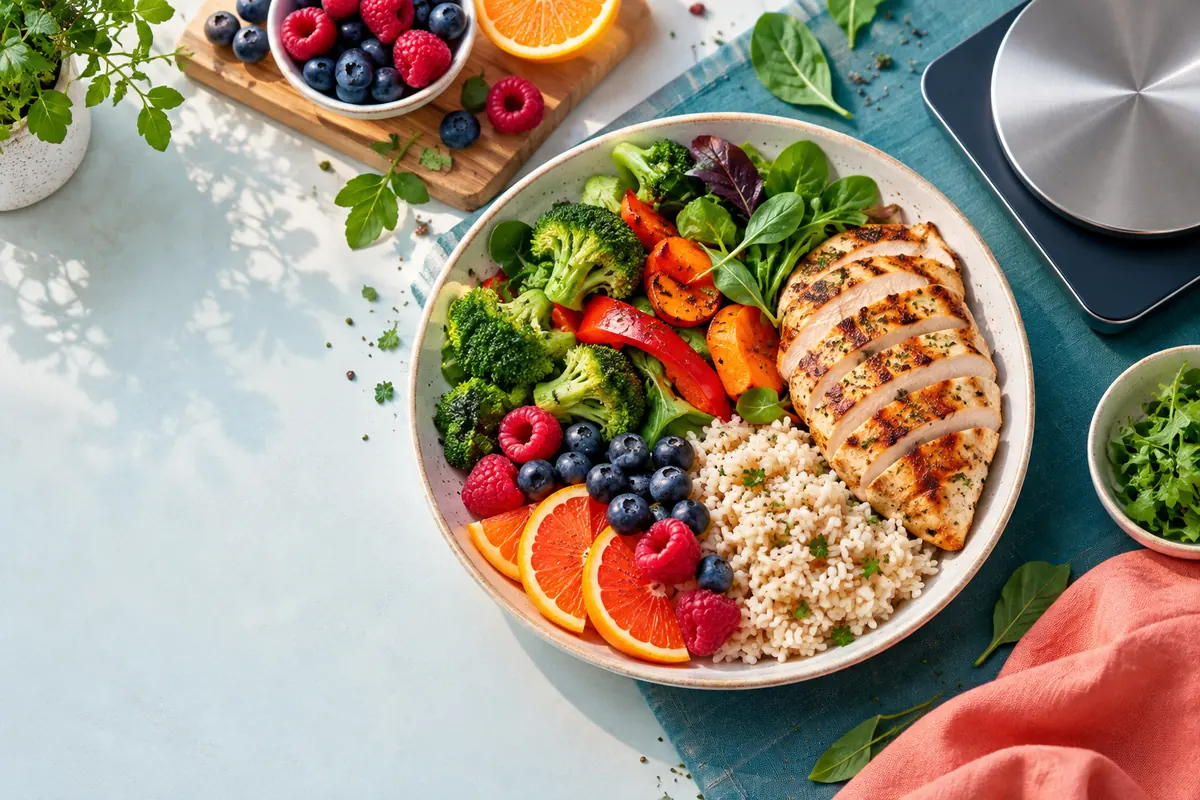
The short answer
A meal calorie calculator totals the calories contributed by each food in one plate or recipe. For each item, multiply the calories per serving by the portion you ate, then add the results. If you already know a daily target, a second mode can divide that target across breakfast, lunch, dinner, and snacks.
There is no single correct calorie number for every meal. The result depends on raw versus cooked weight, brand, recipe, oil, sauces, and serving size. Use the calculator to make the arithmetic consistent, then treat the output as a planning estimate rather than a laboratory measurement.
What a meal calorie estimate includes
The phrase meal calorie calculator can describe two related jobs. The first is an ingredient total: you add foods such as rice, chicken, vegetables, dressing, and a drink to get one meal total. The second is a budget split: you start with a daily calorie goal and assign a practical amount to each eating occasion. Keeping these jobs separate prevents a meal total from being mistaken for a daily requirement.
- Ingredient calories come from a label, a food database, a recipe calculation, or a transparent photo estimate.
- Portion size can be recorded by grams, household measures, servings, or a range when weighing is not possible.
- Macros add context, but calories and macros may be rounded differently on labels.
How a meal calorie calculator works
The basic calculation is deliberately simple. Find the calorie value for each food at a stated serving size, convert your portion into that same unit, and sum the item totals. A calculator is valuable because it removes repeated arithmetic and keeps the serving assumptions beside the result.
For food-level macros, use the same approach for protein, carbohydrate, and fat grams. Do not infer exact macros from calories alone when the food is known; a 500-calorie meal built from olive oil will not have the same macro profile as a 500-calorie meal built from beans and rice. When only total calories are known, label any macro split as an estimate.
Meal calories = sum of (calories per serving × servings eaten)Meal protein = sum of (protein per serving × servings eaten)Meal carbs = sum of (carbs per serving × servings eaten)Meal fat = sum of (fat per serving × servings eaten)| Input | What it means | Example |
|---|---|---|
| Food value | Calories and macros for a stated reference portion. | 165 kcal per 100 g chicken |
| Portion | How much of that food was eaten. | 150 g = 1.5 portions |
| Recipe yield | The number of servings produced by a mixed recipe. | Four bowls from one pot |
| Rounding | Display rounding applied after the item math. | 591.4 shown as 591 kcal |
The arithmetic can be exact for the entered values while the food values remain estimates. Keep the source and portion unit visible whenever you save a result.
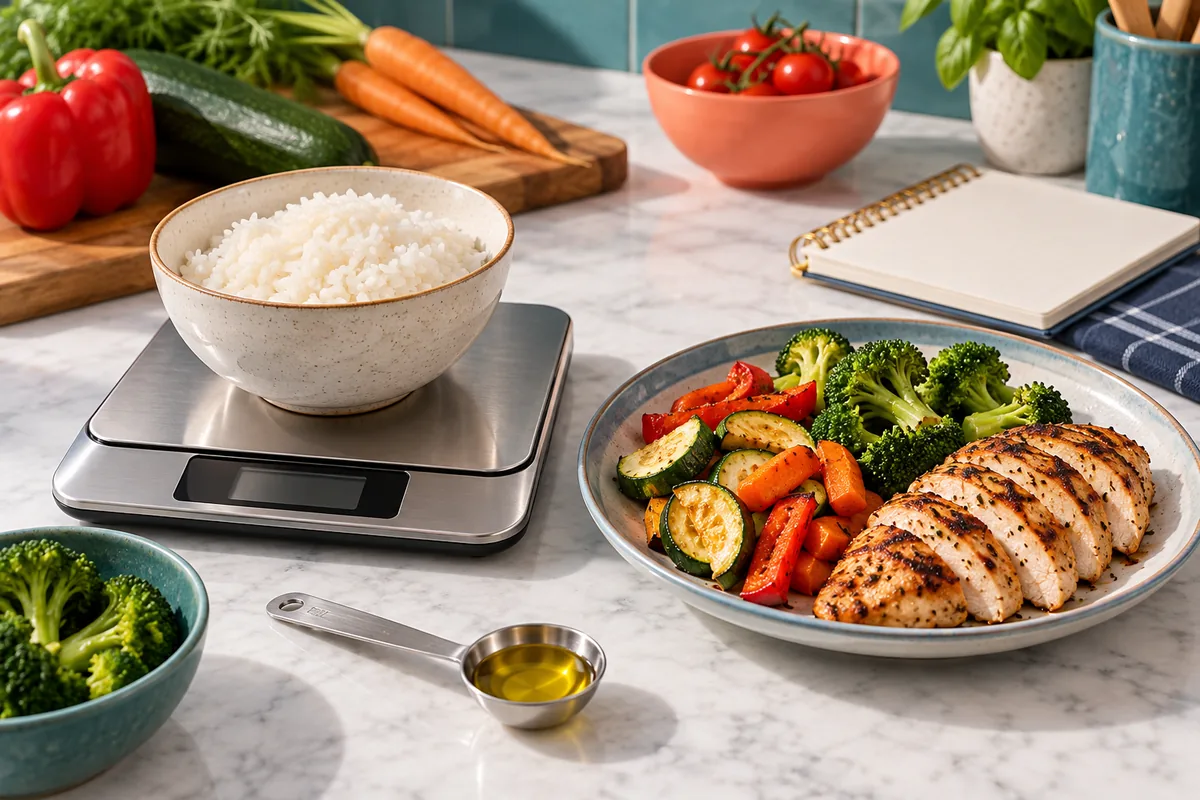
Worked example: calculate calories in a meal
Imagine a bowl with cooked chicken, rice, broccoli, and olive oil. The values below are illustrative, not a universal nutrition claim; brands, cooking methods, and drained weights can change them. The point is to show the order of operations.
Use one reference unit for each item. If a database lists rice per cooked cup but your portion is in grams, convert the portion before multiplying. If you cannot convert confidently, choose a matching entry or record a range rather than mixing raw and cooked values.
| Food | Portion | Calories | Why it matters |
|---|---|---|---|
| Chicken breast | 150 g cooked | 248 kcal | Cooked weight and skin change the entry. |
| White rice | 1 cup cooked | 205 kcal | Water changes weight but not the dry rice calories. |
| Broccoli | 1 cup cooked | 55 kcal | Use a cooked entry when the portion is cooked. |
| Olive oil | 1 teaspoon | 40 kcal | Small additions can materially change a total. |
- Check the database or label for each food at the stated portion.
- Convert the portion you ate into the reference unit.
- Multiply each item's calories by its serving count.
- Add the item totals: 248 + 205 + 55 + 40 = 548 kcal.
The worked total is about 548 kcal for the entered assumptions. It is a useful comparison point, not a promise that every chicken bowl with these names has the same energy.
Turn a daily target into a meal budget
A daily calorie target becomes easier to use when it is translated into eating occasions. Start with a maintenance, fat-loss, or weight-gain target from a suitable calculator, then choose a split that matches your schedule. The percentages below are planning examples, not rules that your body must follow.
| Pattern | Example split | Best for |
|---|---|---|
| Three meals | 30% breakfast / 35% lunch / 35% dinner | People who prefer three predictable eating occasions |
| Three meals + snack | 25% / 30% / 15% snack / 30% | A workday with one planned snack |
| Four equal meals | 25% at each meal | Meal prep and regular training schedules |
Accuracy: what changes the number most
A meal calorie calculator can only be as good as its food entry and portion. Weighing the high-calorie ingredients first usually gives more value than trying to measure every leaf of lettuce. Oil, butter, cheese, nuts, dressings, sweet drinks, and restaurant sauces deserve attention because small volume can carry substantial energy.
Labels and databases also use conventions. A label may round calories, list a raw or prepared serving, or describe a product that differs from the brand you bought. For a homemade dish, total the ingredients and divide by the final portions. For a restaurant meal, use the restaurant's current nutrition reference when available, then keep a range for substitutions.
- Use cooked entries for cooked portions and raw entries for raw ingredients.
- Record oils, sauces, toppings, drinks, and tasting bites when they are part of the meal.
- Check whether the database value is per 100 g, per cup, per package, or per serving.
- For a photo estimate, show the whole plate from a clear angle and mention hidden ingredients when you know them.
How to use photos, labels, and existing tools
Photos are fast when you are eating out or sharing a family-style dish. A clear top-down or angled image can help identify visible foods and suggest a portion range, but it cannot see the weight of rice under a curry, the oil in a pan, or the ingredients in a blended sauce. Treat the image result as a first pass and correct the obvious items when you can.
- Photo: quickest for mixed or restaurant meals; weakest for hidden oil and exact weight.
- Label: strongest for the named packaged product; check serving count and preparation state.
- Food database: useful for measured ingredients; match raw or cooked state.
- Recipe math: best when ingredient weights and final servings are known.
Common mistakes when adding meal calories
Most errors are boundary errors, not multiplication errors. People count dry pasta with a cooked entry, forget the oil used in a pan, or treat a restaurant side as zero because it was not in the photograph. Another common mistake is using a daily calorie budget as if it were the measured energy in a particular meal.
- Mixing raw, cooked, drained, and dry entries for the same food.
- Counting one serving when the package or recipe produced two.
- Ignoring cooking oil, sauces, toppings, drinks, or small tastes.
- Comparing a photo estimate with a weighed label value as if both had the same precision.
Meal calorie calculator FAQ
Choose the right calorie tool
This guide explains the method. Use the linked tools when you want the arithmetic to be repeatable for your own inputs, then return here for interpretation and limits.
Food calorie calculator
Calculate calories and macros for a known food by grams, ounces, or servings.
Calculate a measured food portionRecipe calorie calculator
Add ingredients, divide a batch by servings, and compare homemade meals.
Calculate a recipe per servingDaily calorie intake calculator
Estimate a maintenance, weight-loss, or weight-gain target before planning meals.
Estimate a daily targetSources and method notes
The arithmetic in this guide is basic nutrition-label and recipe math. The sources below are useful for checking food entries and understanding how packaged serving information is presented. They do not turn an estimate into a clinical measurement.
- USDA FoodData Central Use the database to compare food descriptions, serving units, and preparation states.
- FDA Nutrition Facts label guide Read serving size, servings per container, and calorie information in context.
Make your next meal easier to check
Start with the method that matches your evidence: measured food, a full recipe, or a clear photo. Keep the source and portion visible so the result can improve when you learn more.